

How to find a branch parent in Git
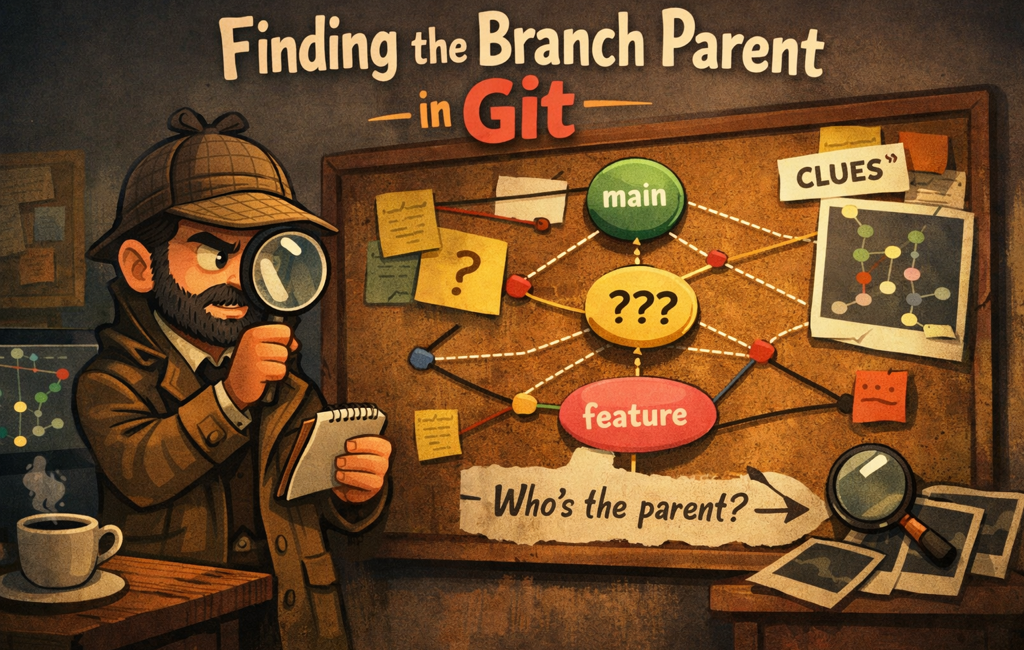
You know that moment when you’re staring at a branch named feature/whatever and thinking:
"Cool… but what was this branched off from?"
Maybe you’re cleaning up old branches, reviewing a PR, or trying to figure out why feature/foo contains commits from three different universes. Either way: Git doesn’t explicitly store "parent branch" metadata (because branches are just pointers to commits). But we can usually infer it.
In this post, we’ll use a practical one-liner that prints the most likely parent branch of your current branch.
What we’re building
A small command that you can run on any branch to get a best-guess "parent branch" name.
Here’s the solution:
git show-branch | sed "s/].*//" | grep "\*" | grep -v "$(git rev-parse --abbrev-ref HEAD)" | head -n1 | sed "s/^.*\[//"If you like, you can wrap it in a function later so it’s easier to run. But first, let’s understand what’s going on.
The command (run it on the branch you’re investigating)
Step 1: checkout the branch:
git checkout feature/my-branchStep 2: run the one-liner:
git show-branch | sed "s/].*//" | grep "\*" | grep -v "$(git rev-parse --abbrev-ref HEAD)" | head -n1 | sed "s/^.*\[//"What you’ll get back
Something like:
mainMeaning: "Given what I see in the commit graph, main looks like the most likely branch this one came from."
And voilà, your repo just got a little less mysterious.
How it works (without turning this into a PhD)
This is a pipeline. Each part trims the output until we’re left with a single branch name.
1) git show-branch
This command prints a compact view of commits and the branches they belong to. It’s useful when you want to compare branches and see where they intersect.
The raw output is noisy, but it includes bracketed branch names like:
* [main] ...
 ! [feature/my-branch] ...
2) sed "s/].*//"
This removes everything after the ], leaving just:
* [main
 ! [feature/my-branch
We’re basically stripping commit messages and keeping only the branch label portion.
3) grep "\*"
This keeps only lines containing *.
In git show-branch output, * is used to highlight a particular row of interest across branches (in practice, it helps narrow candidates to "closest" related branches).
4) grep -v "$(git rev-parse --abbrev-ref HEAD)"
Now we remove the current branch name from the list.
Because if Git returns your branch as its own parent, that’s not helpful (and slightly insulting).
git rev-parse --abbrev-ref HEAD prints the current branch name, so this part is a clean "exclude me".
5) head -n1
We take the first remaining match—basically the best candidate from the top.
This is one reason I call the output a "best guess". It’s a very useful guess, but it’s still based on how git show-branch orders things.
6) sed "s/^.*\[//"
Finally, remove everything up to the [, so we’re left with just:
mainQuick recap ✅
At this point, you have a one-liner that prints the most likely parent branch, a quick way to sanity-check where a feature branch probably started, and a decent understanding of the pipe magic so it doesn’t feel like copy-paste sorcery.
Make it easier to use (optional but recommended)
If you find yourself using this often, add a helper function to your shell config (~/.zshrc or ~/.bashrc):
git-parent() {
  git show-branch \
    | sed "s/].*//" \
    | grep "\*" \
    | grep -v "$(git rev-parse --abbrev-ref HEAD)" \
    | head -n1 \
    | sed "s/^.*\[//"
}
Now you can just run:
git-parentMuch nicer.
Caveats (because Git is Git)
This works best when your repo follows a normal branching model (feature branches off main/master/develop), when you have the relevant branches locally (run git fetch --all if needed), and when your history hasn’t been heavily rewritten in weird ways.
Things that can confuse "parent branch" inference: rebasing after branching, lots of cherry-picks from multiple branches, branching off a feature branch and then merging from other places, or when the real parent branch was deleted.
So treat the output as: "most likely parent branch", not a guaranteed truth.
Want to read more?
If you want to go beyond "best guess" and explore exact branch points, merge-bases, fork-points, and different strategies, these two Stack Overflow threads are gold:
http://stackoverflow.com/questions/1527234/finding-a-branch-point-with-git
http://stackoverflow.com/questions/3161204/find-the-parent-branch-of-a-git-branch
Final thoughts
Git doesn’t store a "parent branch", but with the commit graph and a bit of filtering, you can usually infer it quickly:
git show-branch | sed "s/].*//" | grep "\*" | grep -v "$(git rev-parse --abbrev-ref HEAD)" | head -n1 | sed "s/^.*\[//"Next time someone asks "where did this branch come from?", you’ll have an answer—and you won’t even need to blame your coworker. 😉



Leave a Comment